How to use Philly 311: report non-emergency problems by web, mobile app or phone, give an exact location and clear details, then keep your confirmation to follow up. Emergencies belong elsewhere.
The steps below cover filing, tracking and the two most common cases, potholes and abandoned vehicles. For context on which department handles what, see how is philadelphia city government organized.
Before you file a request
Philly311 is the city’s line for quality-of-life problems, and the city describes its role as helping residents identify and report quality-of-life issues. A few minutes of preparation makes a request easier for the responsible department to act on.

- A specific location. Note the street address or the nearest cross streets. A vague “on my block” description is the most common reason a crew cannot find the problem.
- A plain description. Say what you see, how large or severe it is, and whether it affects traffic or foot travel.
- Photos, if you can take them safely. Stay on the sidewalk and never step into traffic for a picture.
- A non-emergency problem. Anything involving immediate danger needs a different route, covered in the section on when the city line is the wrong number.
- A way to follow up. Be ready to save whatever confirmation the channel gives you.
Filing a request, step by step
Step 1: Pick your channel
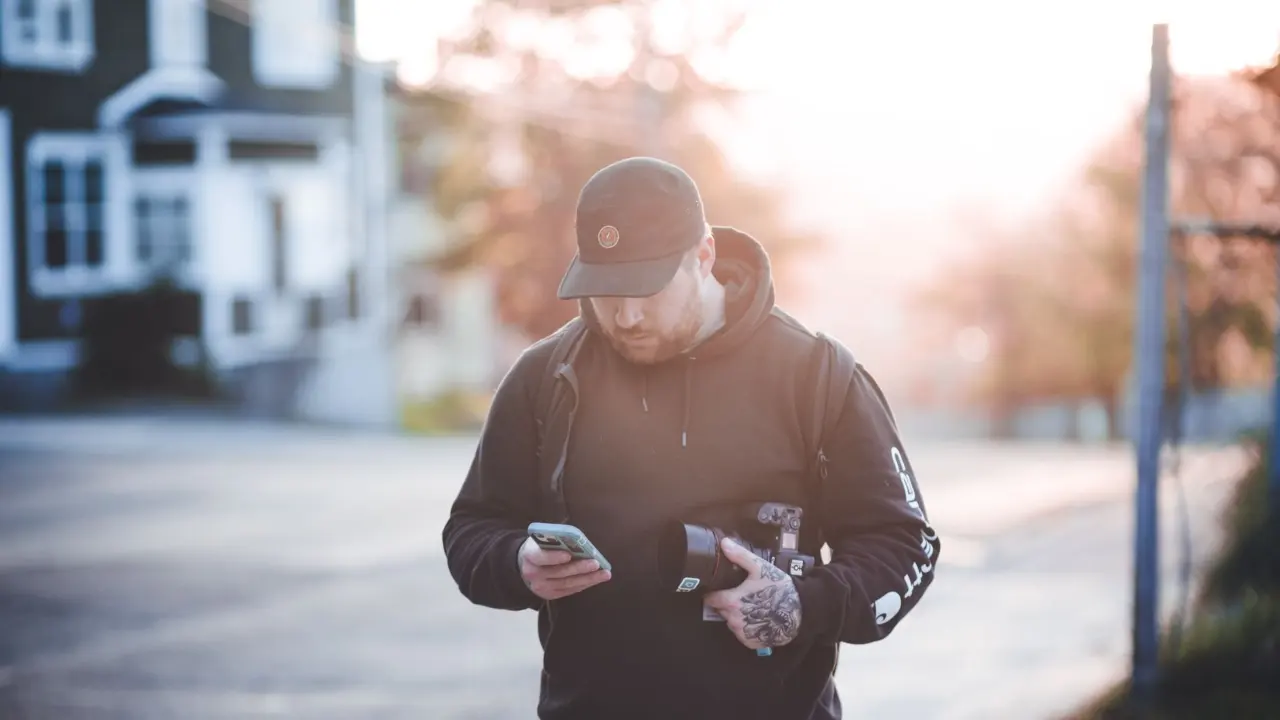
You can submit issues 24/7 through the webpage or the mobile app, and the app supports the 6 most commonly used languages in Philadelphia. Phone and walk-in service have set hours, listed in the checkpoint table near the end of this guide.
The web form or app suits most people because it works at any hour and lets you attach a photo. Phone suits anyone who is not sure which category fits, since staff can choose the right department for you. The Walk-in Center suits residents who prefer to talk to someone in person.
Step 2: Gather the location and a photo
Open the app or form while you are still at the spot, or note the cross streets before you walk away. A photo taken from a safe distance shows scale and surroundings, which helps the receiving department judge urgency.
Step 3: Describe the problem and submit
Choose the category that matches the problem, then add your location and description. Typical examples of what 311 handles include graffiti, potholes, missed trash pickups and the like. Streets Department online requests, for instance, include pothole and street defects, sewer inlets and flooding, and ADA ramps.
If no category fits, phone rather than guess. Staff transfer your service request to the relevant department, so you do not need to know the department in advance.
Step 4: Save your confirmation
Keep whatever confirmation or reference the web form, app or phone agent gives you. Screenshot it or write it down. Quoting it later saves you from describing the problem again from scratch.
Step 5: Track the request
Once a request is filed, 311 staff track it until the problem is solved. If you need an update, return to the channel you used and quote your reference, or phone and ask an agent to look it up.
Give the department reasonable time before chasing. If the problem gets worse, for example a defect that becomes a hazard, add that information to your follow-up rather than filing a duplicate request.
Reporting a pothole
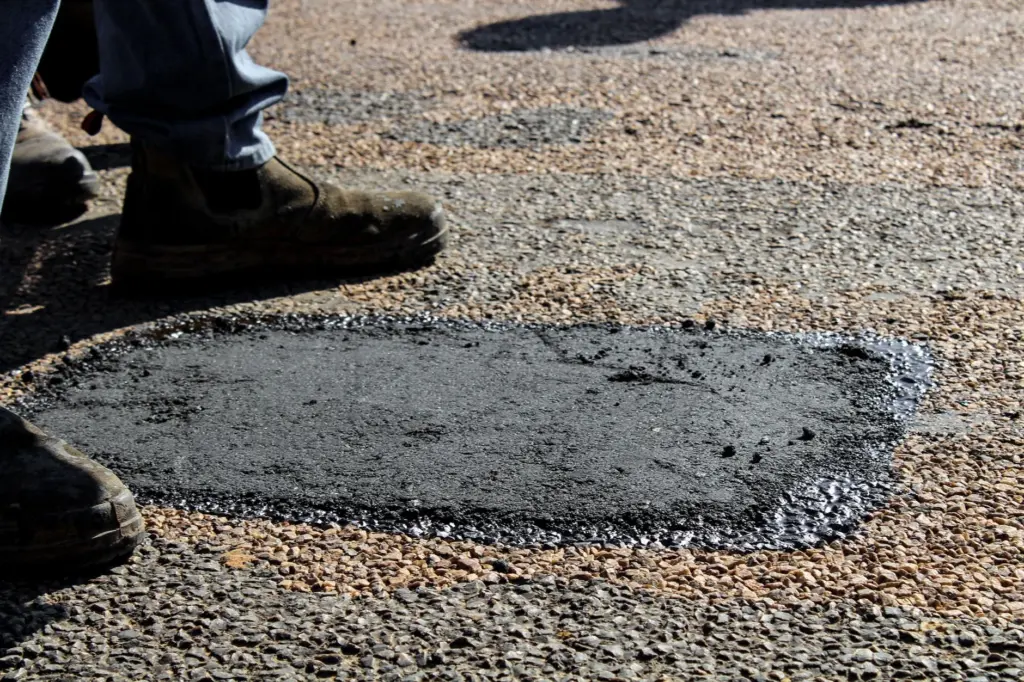
A pothole is a street defect handled by the Philadelphia Streets Department, and it is among the Streets Department requests that can be filed online. Use the web form or app, choose the pothole or street defect option, and follow the steps above.
Be exact about position. Say which street, the nearest cross street or house number, and where in the roadway the hole sits, such as near the curb or in a travel lane. Mention if it is close to a crosswalk, bike lane or intersection, because that affects how a crew prioritizes the repair.
If the pothole is on a street you are unsure about, phone and let the agent route it. When a defect looks like a sinkhole, a broken sewer inlet or flooding, say so plainly, since sewer inlets and flooding are a separate Streets request type from a routine pothole.
Reporting an abandoned vehicle
An abandoned vehicle is filed through the same Philly 311 channels as other non-emergency problems. Choose the vehicle-related option if the form or app offers one. If you cannot find it, phone and describe the vehicle, because staff pass the request to the responsible department.
Strong requests give details the responder can verify on arrival:
- Exact spot. Give the street, house number or cross street, and which side of the block the vehicle is on.
- Vehicle description. Include make, colour and body type, and add the plate details if they are visible from the pavement.
- Visible condition. Mention flat tires, broken glass, missing parts or debris building up around the car.
- Photos from the sidewalk. Stay on public ground and avoid touching or entering the vehicle.
If you believe a vehicle is connected to a crime or someone is in danger, the situation is no longer a routine request. Use the emergency guidance below.

Other requests residents can file
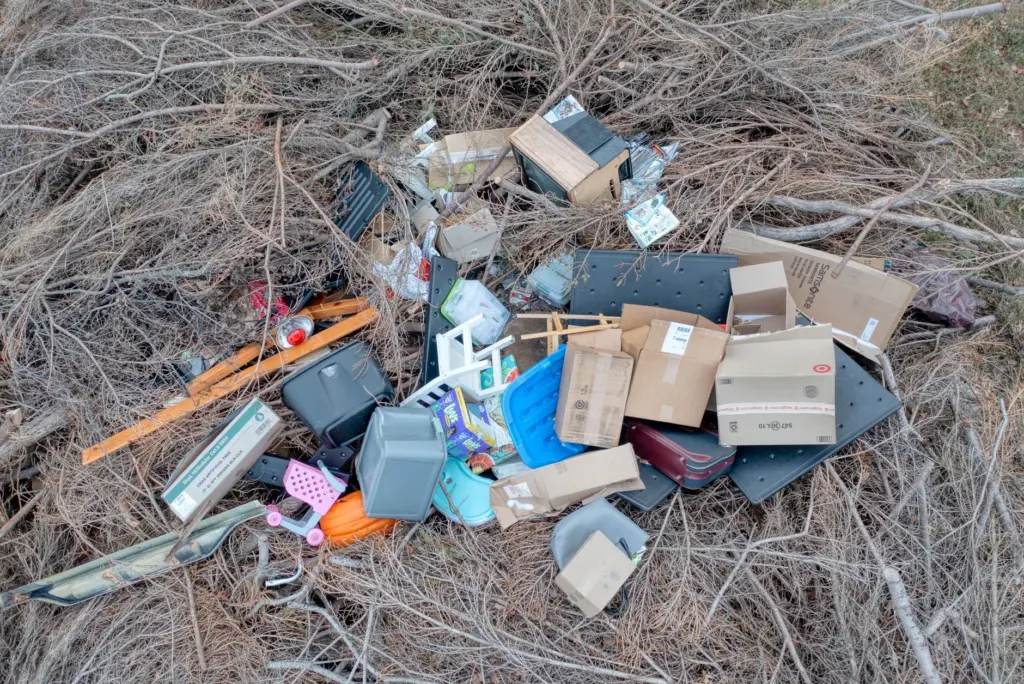
The same steps work for graffiti, missed trash pickups, ADA ramp requests and other quality-of-life complaints. Trash problems sit in the same family as missed pickups, so for dumped waste, look for a trash-related option in the form or ask a phone agent to route it.
Your neighbourhood matters here too. A request is easier to resolve when it names the block and nearest landmark, and repeated problems in one area are easier to describe when you can say how long they have been there.
When 311 is the wrong number
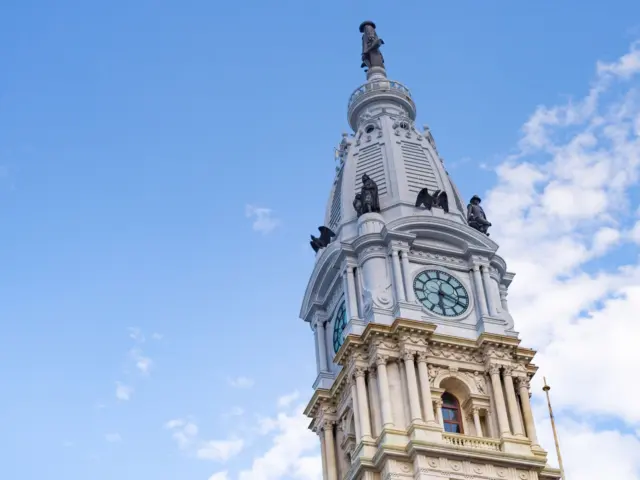
311 is for non-emergencies. For a crime in progress, an injury or any immediate danger, call 911 for the Philadelphia Police Department rather than filing a service request.
Some hazards go to utilities instead. If you see downed power lines, leave the area immediately and call 1 (800) 841-4141. If you smell gas, leave the area immediately and, from a safe location, call (215) 235-1212. Do not file these through the app and wait for a reply.
What request numbers show
Use of 311 has grown over time. Reporting on the program notes it expanded from 65,594 service requests in 2009 to 110,376 in 2014, while mobile requests rose from 1,677 in 2012 to 7,441 in 2014. Those figures are from earlier years, but they show that app filing was already growing quickly.
For newer figures, OpenDataPhilly, the city’s open data portal, is the place to look beyond these older numbers.
311 is one of the most direct ways residents deal with city services. For wider context on city leadership, see what does the mayor of philadelphia do, and if you are curious about working behind these services, read how to apply for city of philadelphia jobs.
Contact checkpoint
Use this table to choose between phone, web and in-person service before you file.
| Channel | Details | Planning use |
|---|---|---|
| Phone inside Philadelphia | Dial 311; customer service team reachable 8am–8pm, Monday through Friday | Best when you are unsure of the category or want an agent to route the request |
| Phone from outside Philadelphia | (215) 686-8686 | Use this number if 311 will not connect from your phone |
| Web or mobile app | Submit 24/7; app supports the 6 most commonly used languages | Best for evenings, weekends and requests with photos |
| Walk-in Center | Room 167 of City Hall (Broad and Market Sts.); Monday through Friday, 8:15am to 4:15pm, excluding City holidays | Suits anyone who prefers in-person help during office hours |
These details come from the community resources list, which summarizes how residents reach Philly311.
Frequently asked questions
Can I email Philly311?
Yes. The listed email address is [email protected]. For a problem that needs a location and photo, the web form or app is usually the cleaner way to file.
Is the Philly311 app available in languages other than English?
Yes. The app supports the 6 most commonly used languages in Philadelphia, according to the community resources list.
What is the Neighborhood Liaison Program?
It is a Philly311 community-engagement effort that works on training residents to report safety issues using Philly311.